One assistant for your devices, accounts and money
Lily watches your business or home, works out what's wrong, and tells you the one thing to do. Often she's already done it.
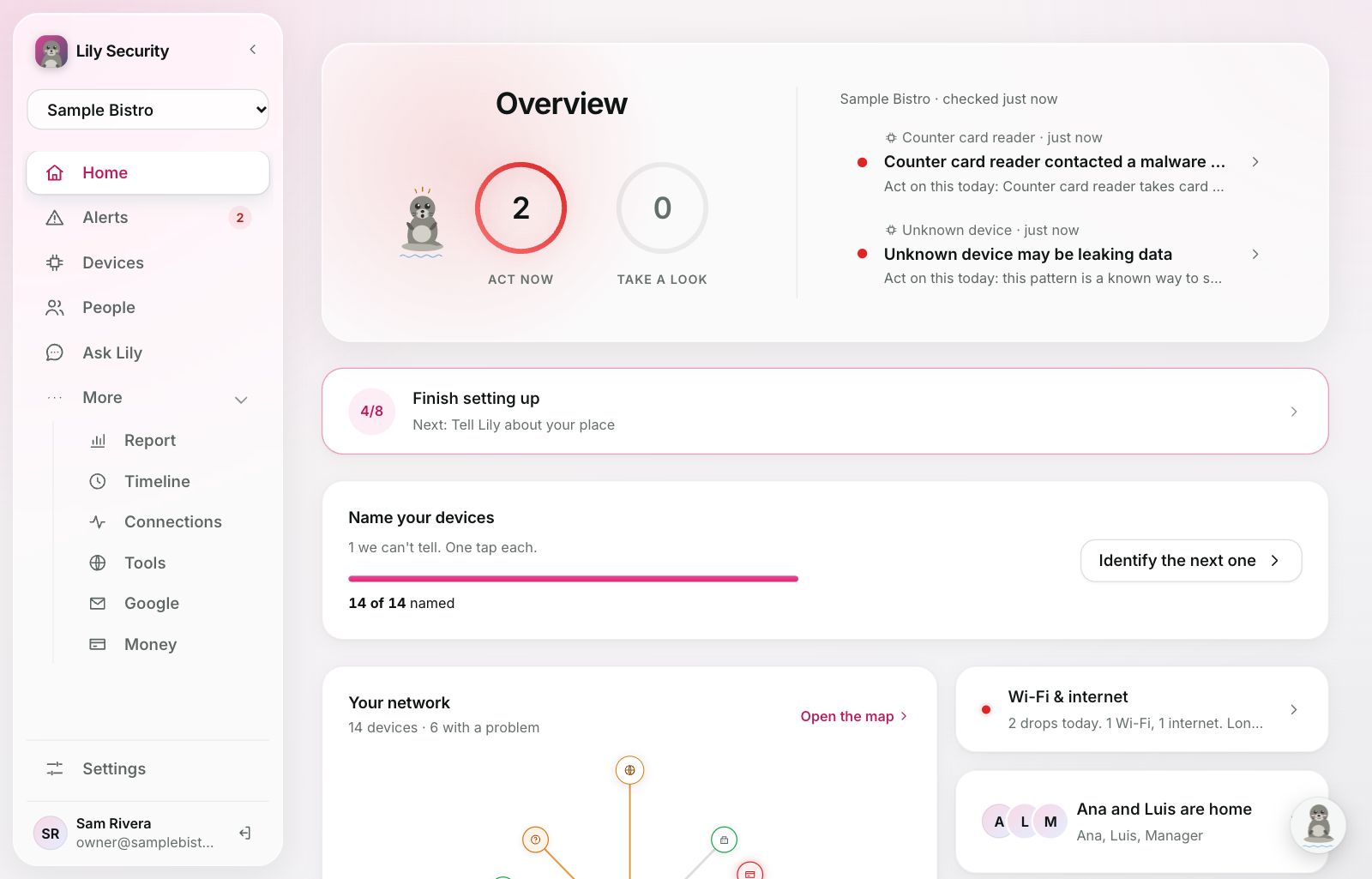
Every device, named and watched
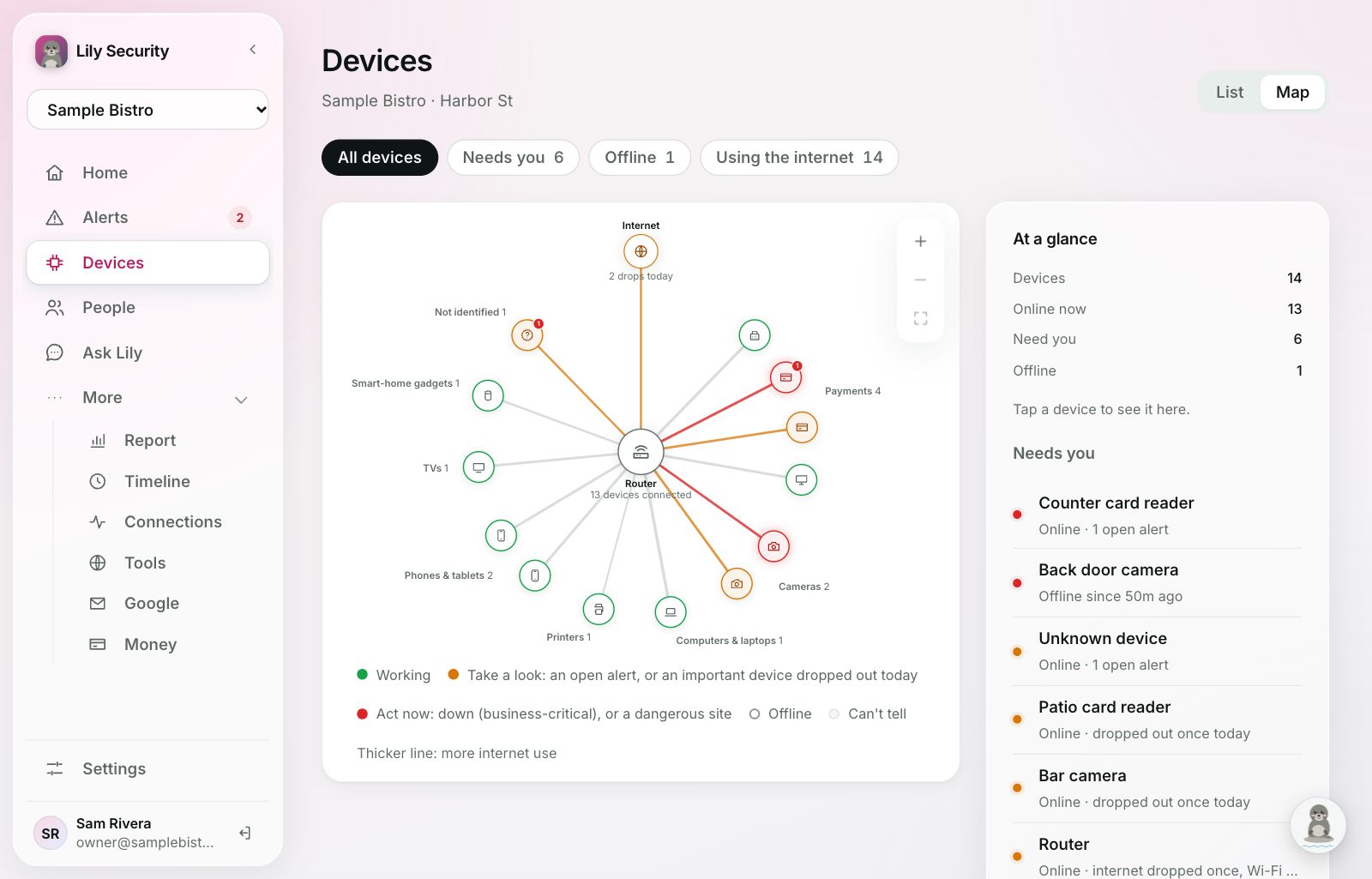
A small sensor shows Lily every card reader, camera, laptop and gadget on your Wi-Fi. She names most on her own and learns what's normal for each.
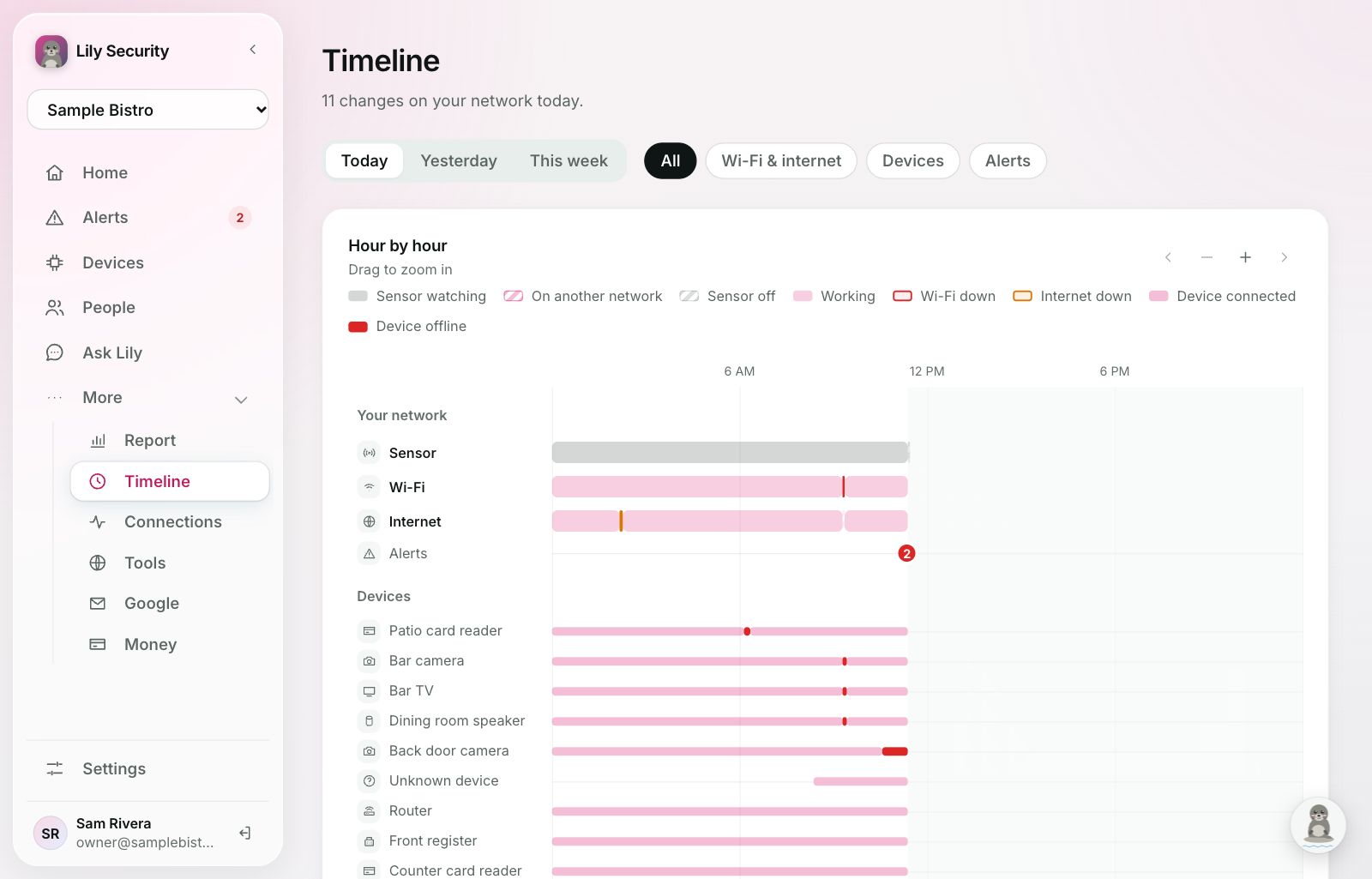
- Mark the devices you can't do without, and hear the moment one goes down and when it's back.
- See what every device connects to, and block dangerous sites for all of them at once.
- Weak spots, worst first, like a camera on its factory password.
Plain words, one tap, and Undo
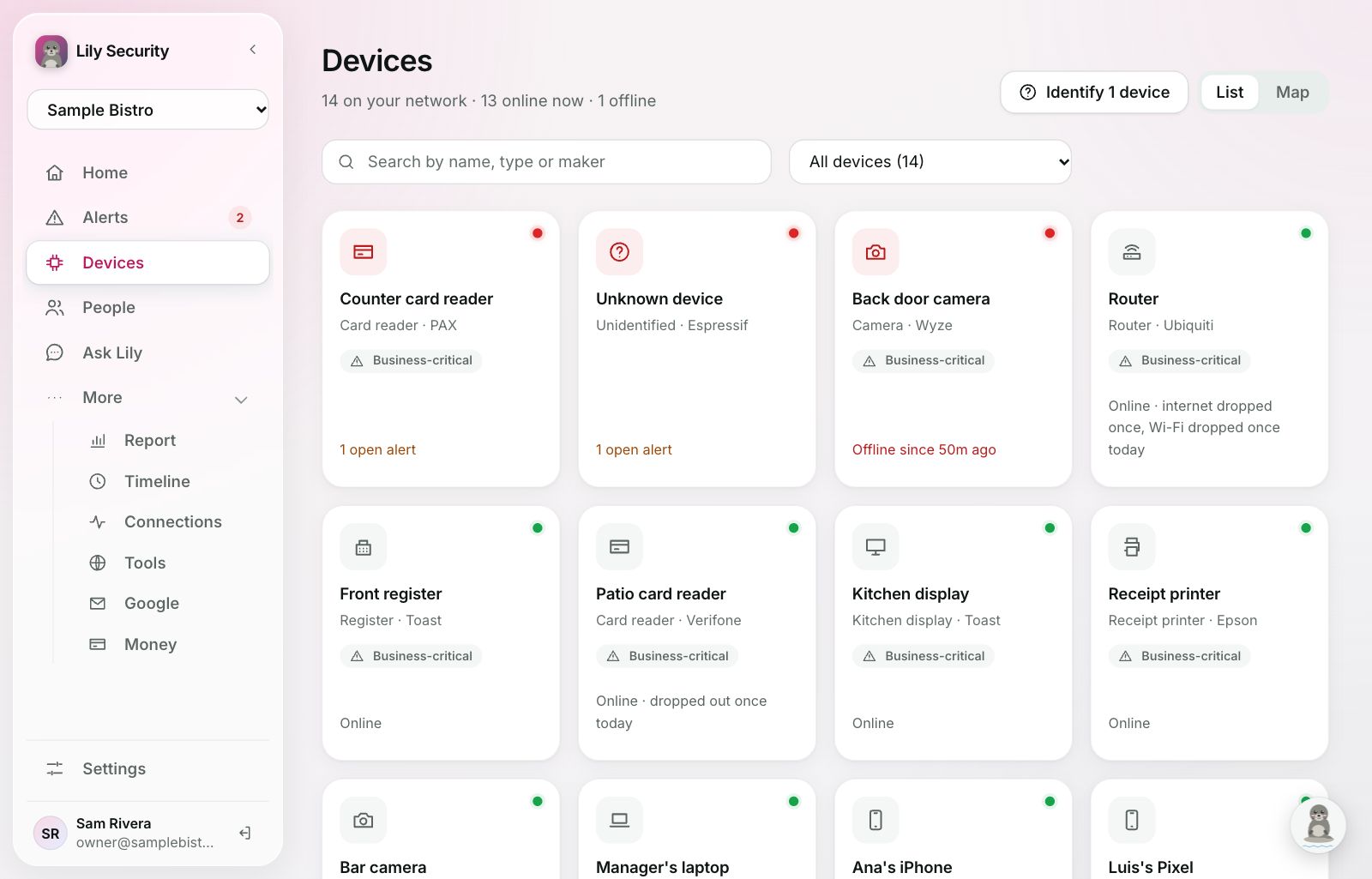
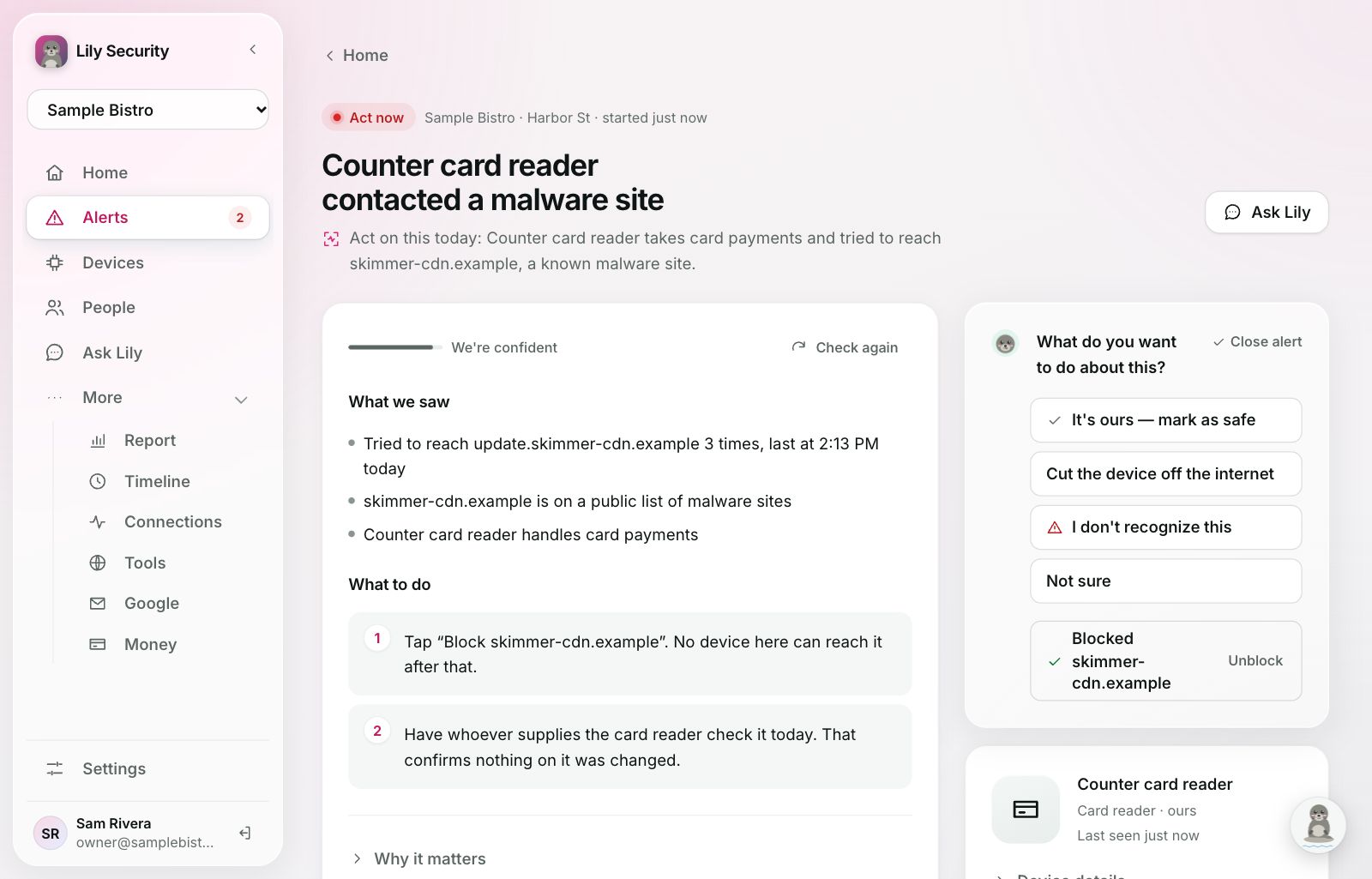
Every alert says what Lily saw, why it matters and what to do. Each step is a button: cut a device off, block a site, sign someone out, or mark it as fine so she remembers.
- Three levels: Act now, Take a look, or Just so you know.
- Technical details for your IT person, tucked away until you want them.
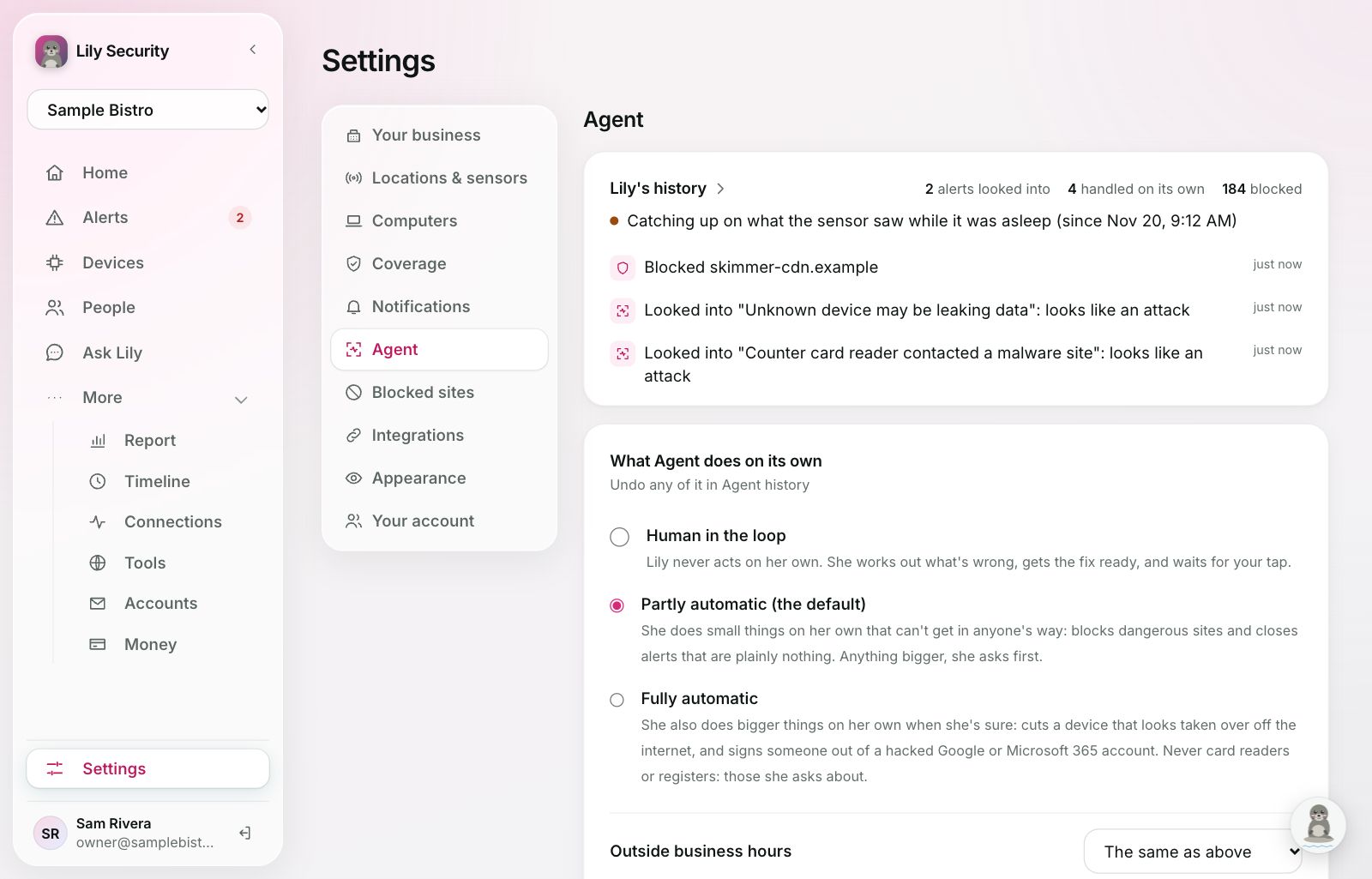
You choose how far she goes
Everything Lily does on her own is listed in Lily's history, with why.
- Human in the loop: she gets the fix ready and waits for your tap.
- Partly automatic (the default): small things that get in nobody's way, like blocking dangerous sites and closing harmless alerts.
- Fully automatic: also bigger things when she's sure, like cutting off a taken-over device or signing a hacked Google Workspace or Microsoft 365 account out. Never card readers or registers.
- Outside business hours: a separate level for nights and weekends.
Everything you connect, watched together
Most attacks start with an account, not a device. Connect your email, files and the security tools you already pay for, and Lily reads them next to your network.
- Email and files: scams, including in spam and Junk, inbox rules that hide mail, and files in Drive or OneDrive open to outsiders.
- Sign-ins: from somewhere new, "not me" reports, floods of sign-in pushes, new admins and apps given access.
- Computers and phones: threats your antivirus finds, and each company laptop and phone matched to its person.
- Passwords: who signed in to your password manager and which shared logins were opened, never the passwords.
Security tools connect with a key that can only read. Lily learns what's normal for 30 days, then speaks up only about what's new.

















What she catches
Scams, break-ins and threats, in plain words.
Fix it in one tap, with Undo
Move a scam out of the way, remove a file's sharing, sign someone out, or turn an account off. With Microsoft Defender, cut a laptop off wherever it is.
Lily on every computer your business owns
Lily's computer program goes on each Mac and Windows PC the business owns, including staff laptops, never staff's own. It works over the internet, so a laptop stays covered anywhere. It never sees what's in files, messages or the screen.
- Every 6 hours: disk encryption, the firewall, updates waiting, the apps installed, what starts on its own, and backups: how recent, and whether a copy is kept where ransomware can't reach.
- Every 15 minutes: remote-control programs like AnyDesk, and files copied to a USB drive or a personal Dropbox, Google Drive or iCloud, by name and size.
- Ransomware alarm: if files start being scrambled, an urgent alert at once, and at Fully automatic the computer is cut off the internet. On Windows, she can turn on the built-in ransomware shield, watch-only for a month first.
- Fix it from the app: turn the firewall on, install updates, remove a program, lock the screen or restart it, from the alert or by asking Claude or ChatGPT. It's done within 5 minutes, and the alert closes itself. Some fixes are Mac-only for now.
Fraud spotted the same day
Connect your bank and Lily flags payments to anyone new, double charges and card testing, and shows where the money goes. Her access is read-only, so she can never move money.
Proof, in plain words
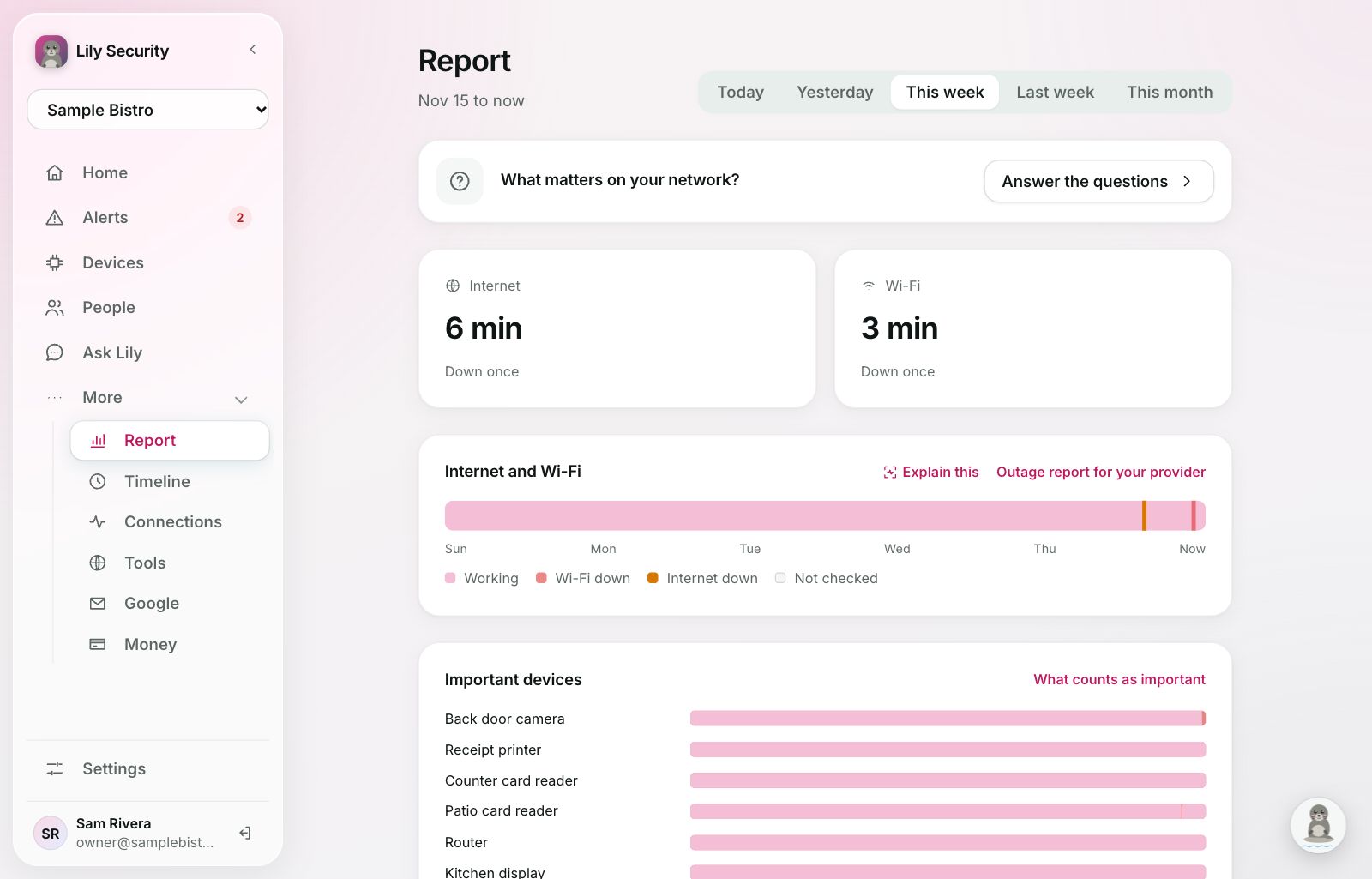
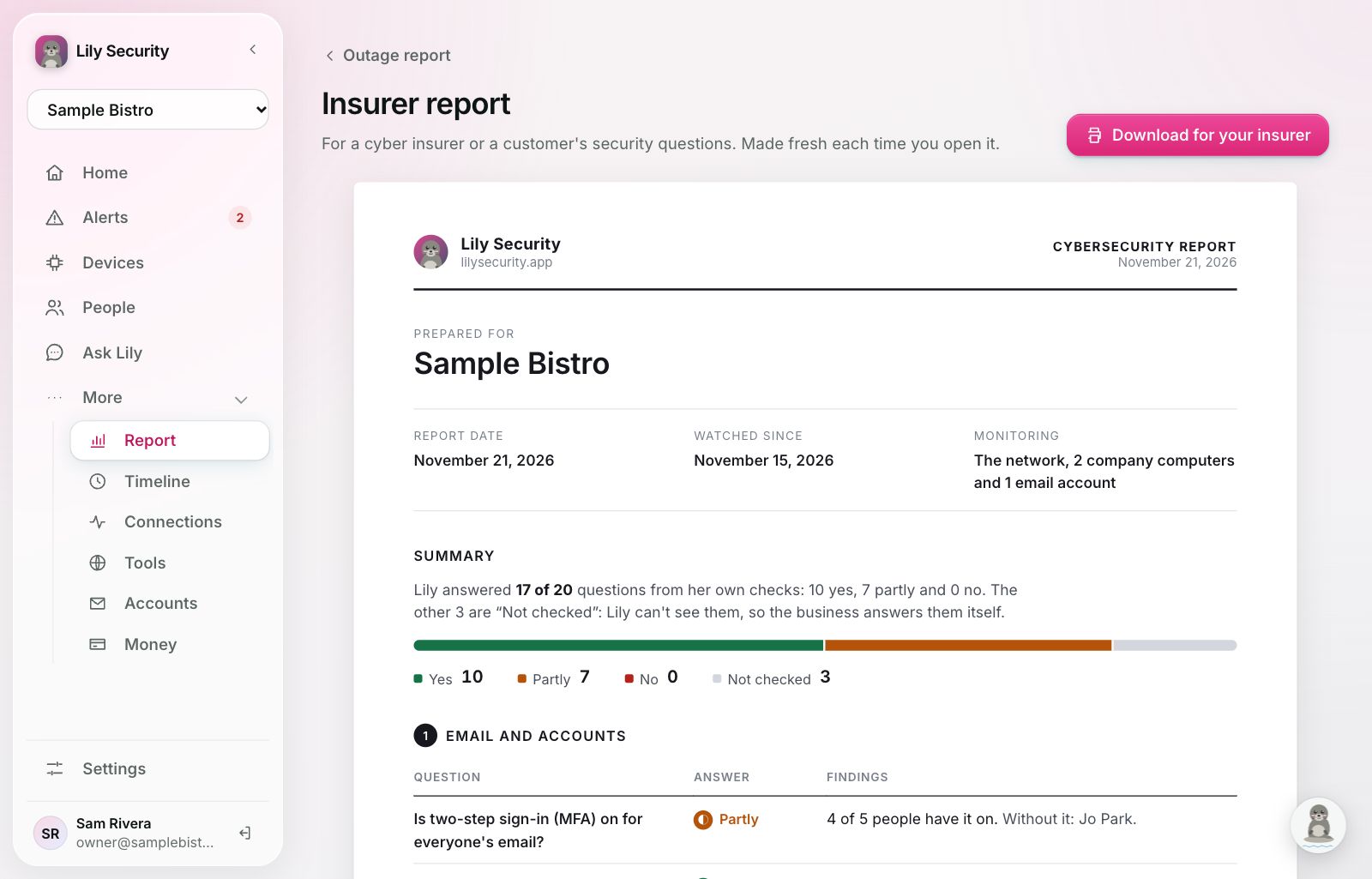
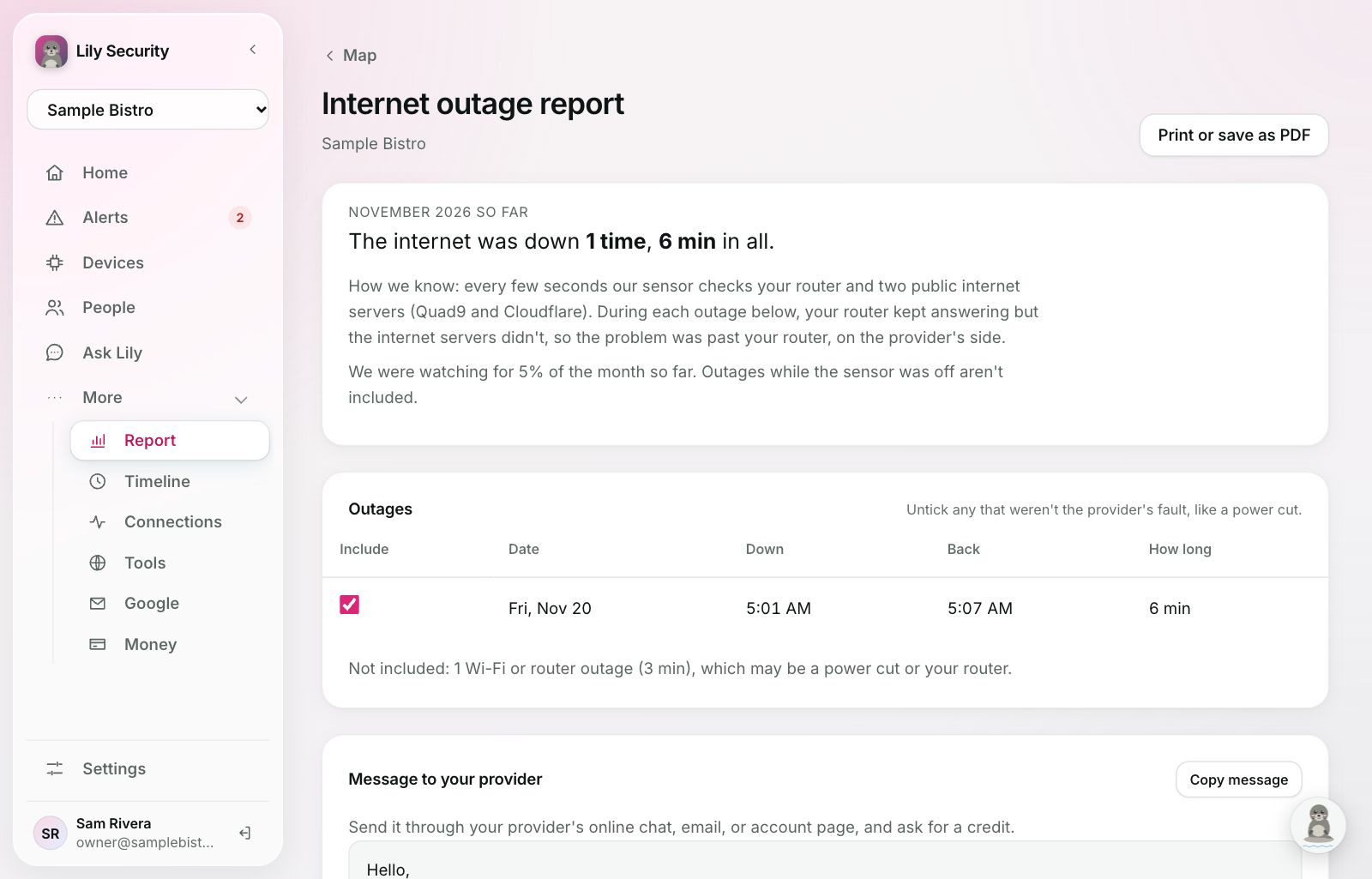
Three reports, ready when you need them.
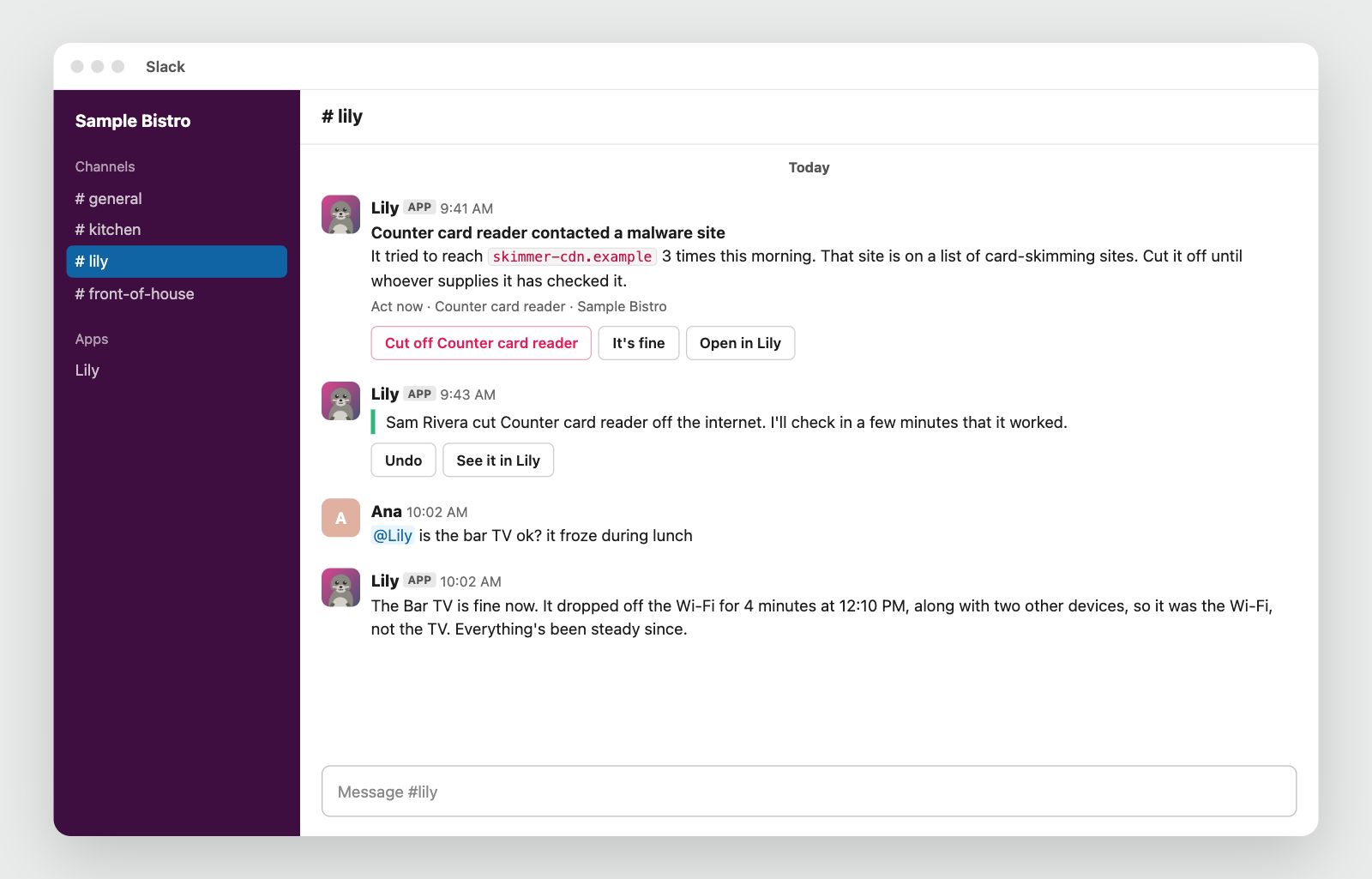
Talk to her where you already are
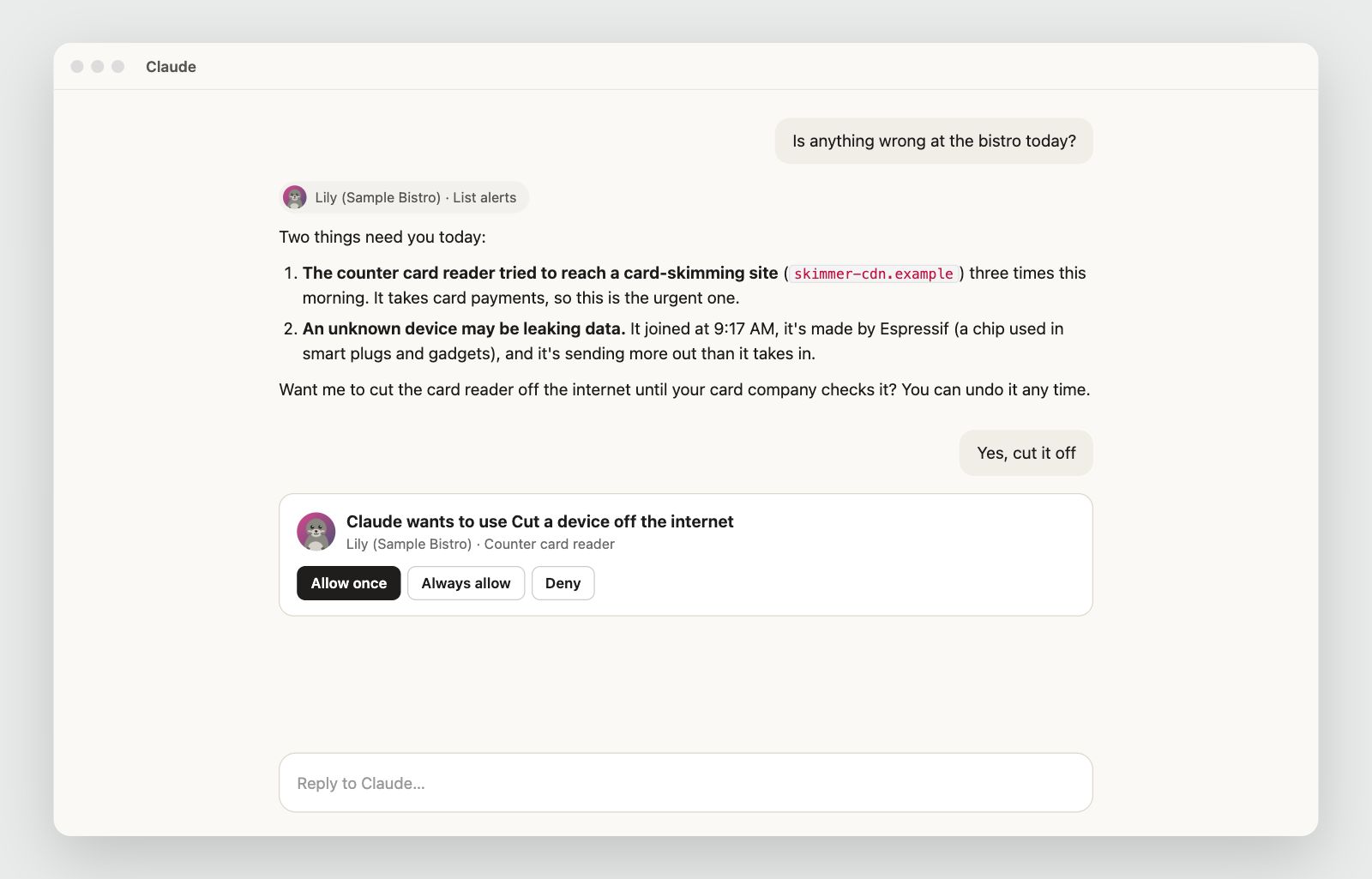
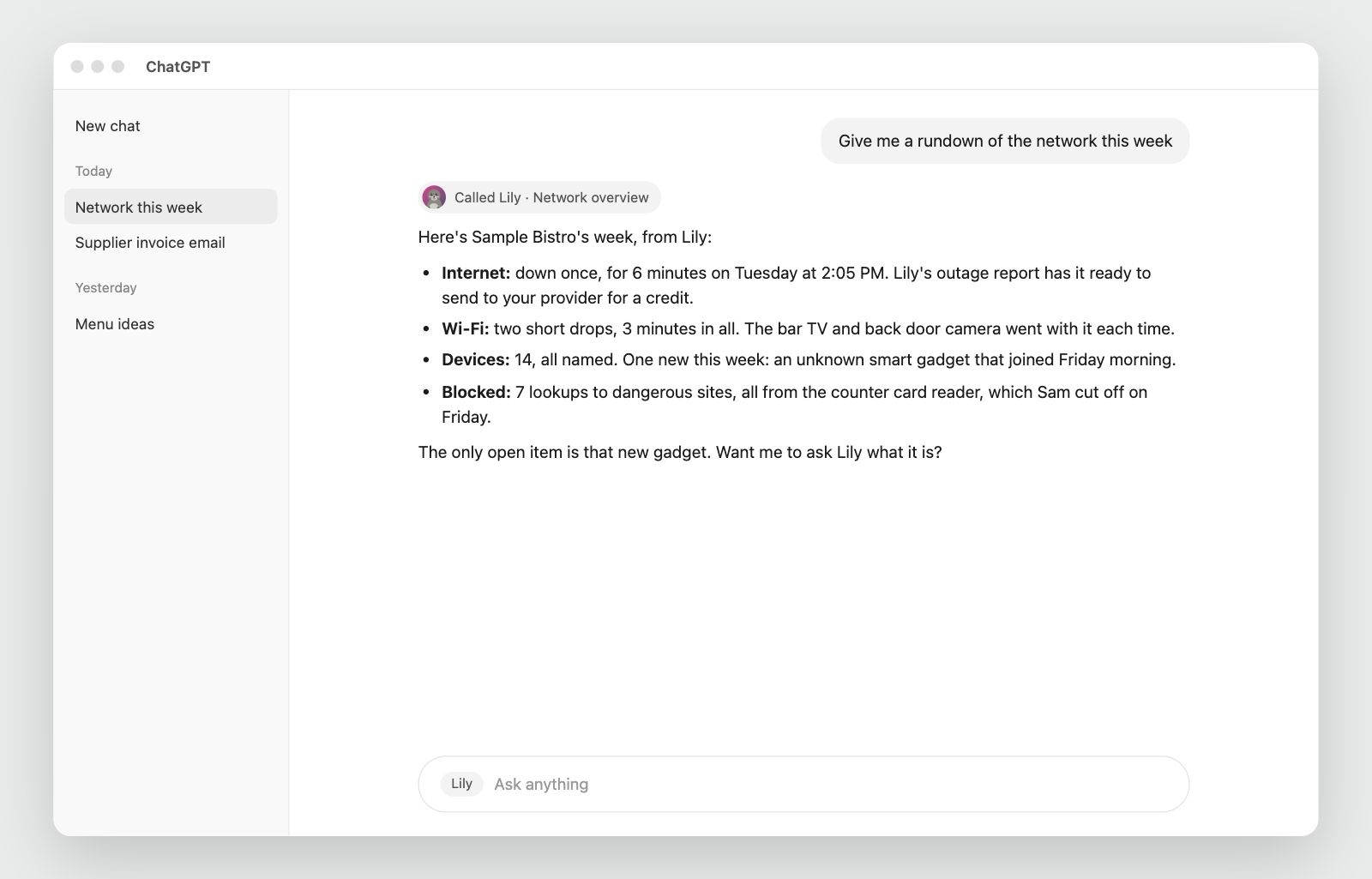
Lily posts in Slack and answers in Claude and ChatGPT. She asks before she changes anything.
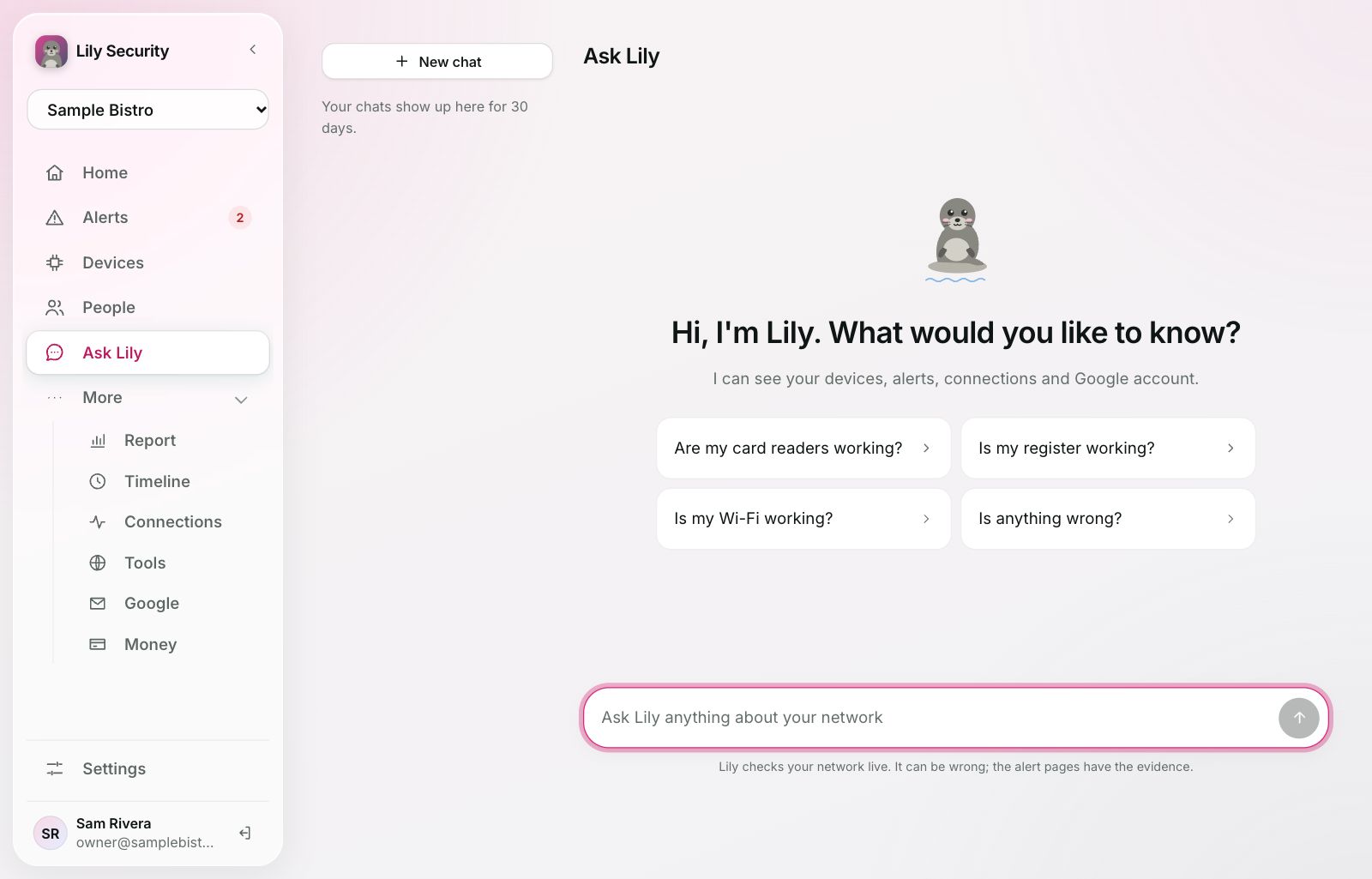
Ask anything, in your own words
"Was anything weird on the network last night?" Lily answers from what she can actually see, and shows the devices and alerts she means.
- She knows which page you're on.
- Tell her things to remember, like "the Roku is the bar TV".
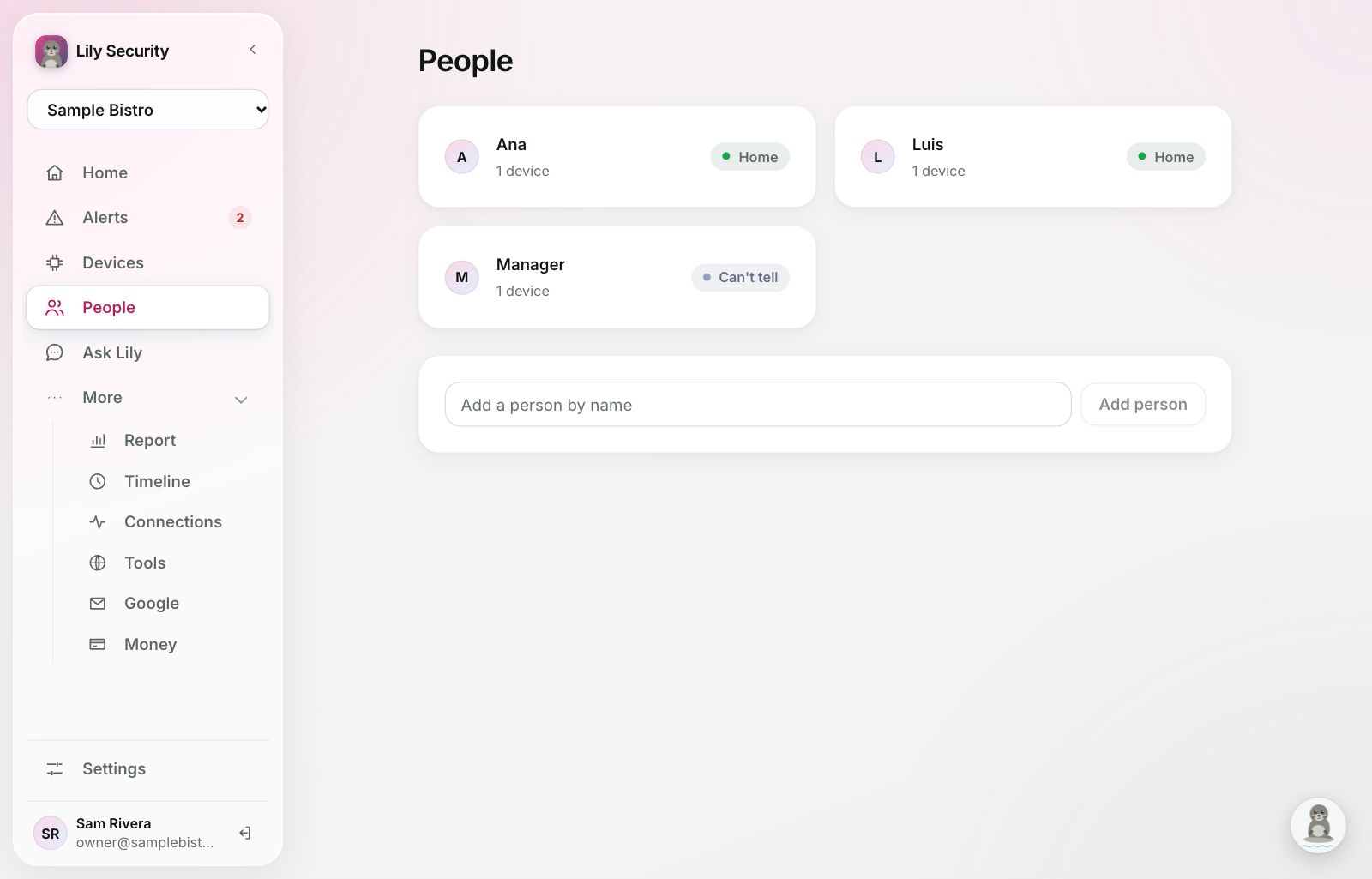
Who's here, and whose device is whose
Lily links each person's phones, laptops and accounts, from device names and what you tell her. Home shows who's in.
- Invite family, staff or your IT provider as Owner, Manager or Viewer.
- IT providers switch between every business they look after.
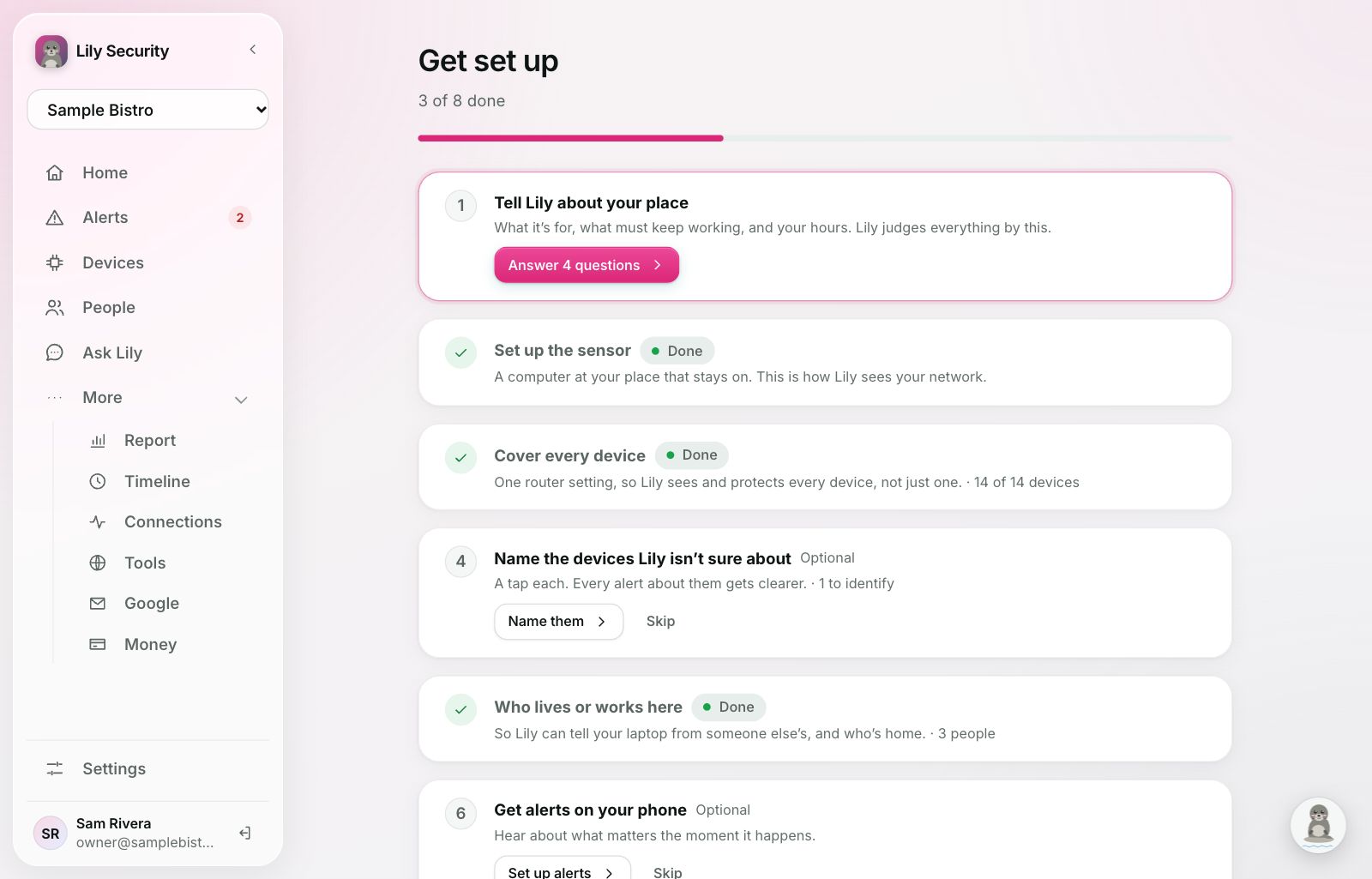
Running in an afternoon
The sensor is a small program on a computer that stays on at your place, like a Mac mini or a Raspberry Pi (Mac, Windows or Linux). A short checklist walks you through the rest.
- The sensor sits beside your network, so if its computer is off, your internet and card payments keep working.
- One router setting lets Lily see where every device connects.
- Optional: Lily's computer program on company computers, and Google, Microsoft, your bank, security tools and Slack, whenever you like.
What Lily never does
Lily sees only what she needs to protect you.
The details are in our privacy policy.
- Move moneyHer access to your bank is read-only.
- Look at what you doOnly which sites a device reached. On company computers, never files, messages, browsing or the screen.
- Read your passwordsShe sees that a saved login was used, never what's in it.
- Act without a way backAlmost everything she does has an Undo. A sign-out can't be undone, but nothing is lost.
Let Lily look after your place
We're letting people in a few at a time. Join the waitlist and we'll email you a link when it's your turn.
Already in? Sign in